
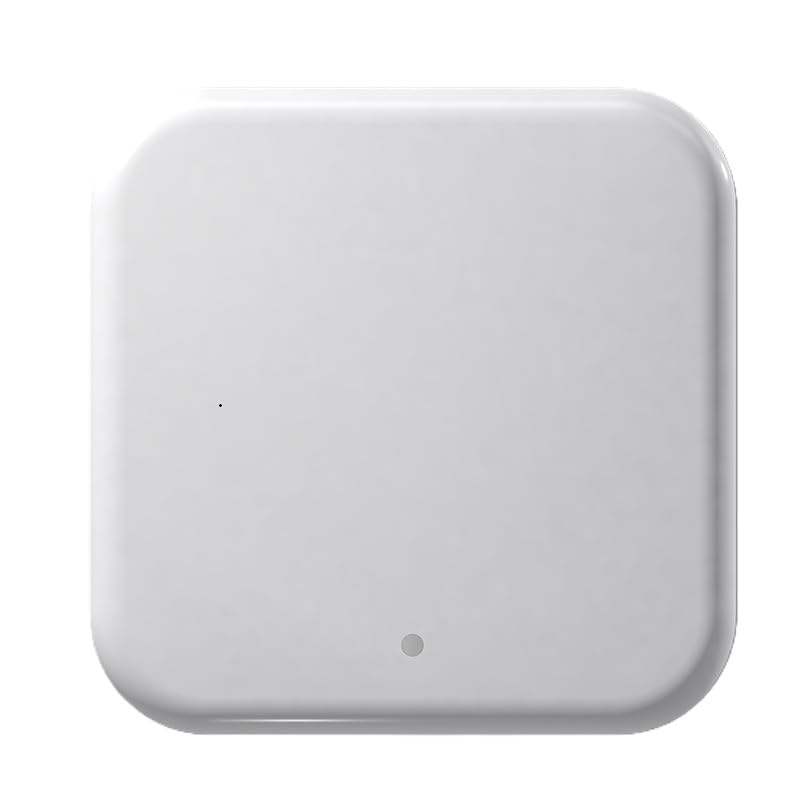
Reference GWLSRG2 · model G2 · Wi-Fi 2.4 GHz ↔ Bluetooth · USB-C 5 V
TTLock app only. This gateway is not compatible with Tuya Smart / Smart Life. For the WizElek key box in its Tuya version (SKTSK007-E-T), use the WizElek Tuya gateway.
Complete manual: set-up in the TTLock app, status light, placement, remote use, voice assistants, troubleshooting — plus a technical appendix for developers.
Or the complete manual, all 7 languages in one file (PDF, 71 pages, 0.5 MB).
Place the gateway within 10 m of the lock, ideally with no thick wall in between. It links automatically to every lock added to the same TTLock administrator account — one gateway can serve several locks.
Every lock that works with the TTLock app: the WizElek key box in its TTLock version, TTLock cylinders and locks of any brand, and TTHotel.
Unlock and lock from anywhere · create, edit and delete codes, RFID badges and digital keys (eKeys) with dates and time windows · real-time access log and a notification at every opening · voice control with Amazon Alexa and Google Home through the TTLock account.
The gateway is not found in the app. Check that the LEDs are flashing alternately (red/blue); otherwise unplug and plug it back in. Keep your phone's Bluetooth on and stay next to the gateway during set-up.
The Wi-Fi network is not listed or the connection fails. The gateway only supports 2.4 GHz networks (802.11 b/g/n, WPA2). On a dual-band router, select the 2.4 GHz network or give it a distinct name. 5 GHz networks are not supported.
The light stays red. The gateway cannot reach the internet or the TTLock server: check that your router is working and online, then restart the router and the gateway.
The lock shows offline. Bring the gateway closer to the lock (under 10 m, no thick wall), and check that the lock was added to the same TTLock account as the gateway.
Wi-Fi 802.11 b/g/n 2.4 GHz (5 GHz not supported) · Bluetooth to the lock · power USB-C 5 V / 500 mA · 70 × 70 × 26 mm · 49 g · red and blue status LEDs · indoor use. In the box: gateway G2, USB-C cable.