
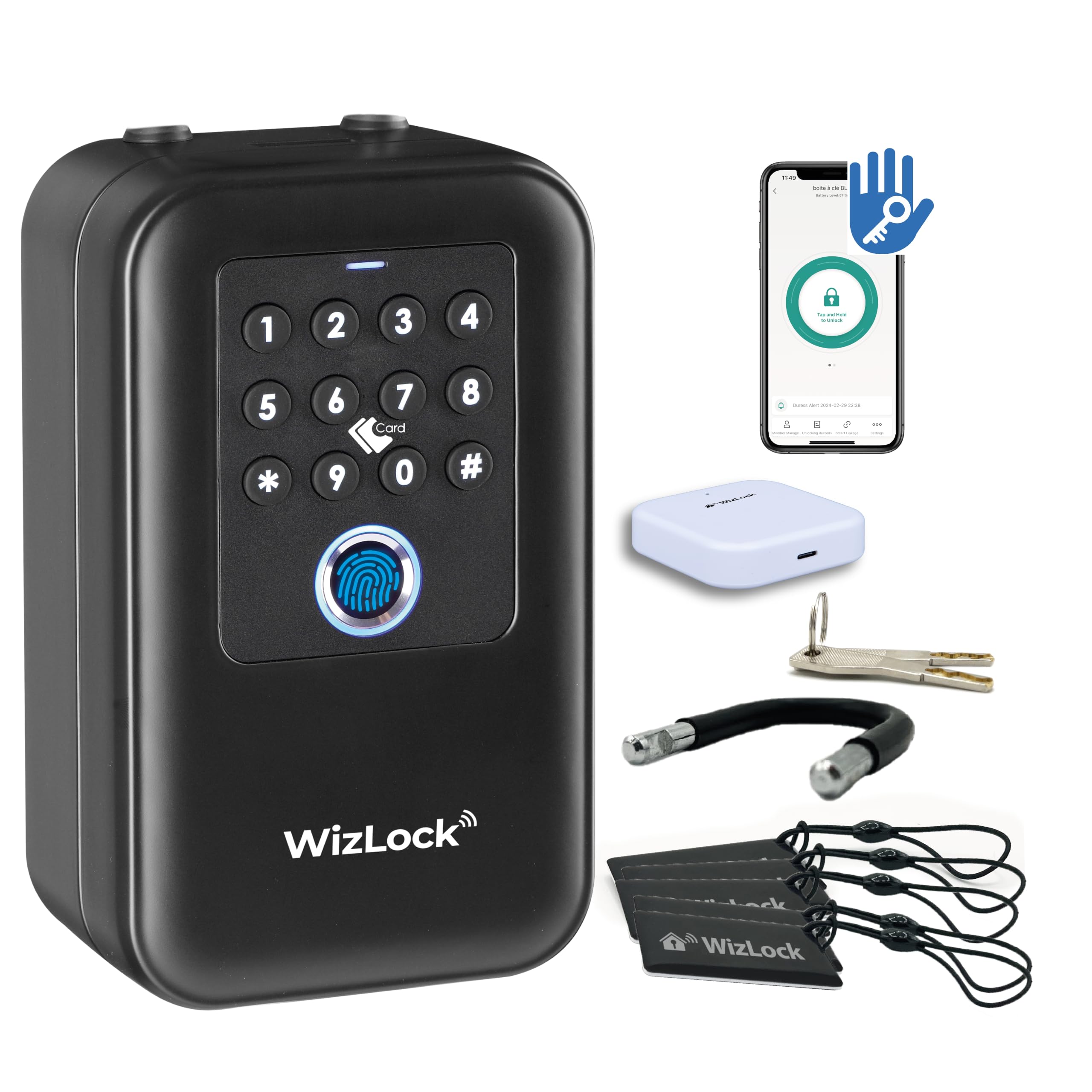
Reference SKLSK007-E-L · TTLock app · code, RFID badge, fingerprint, app and key
Complete manual: installation, TTLock app pairing, passcodes, badges, fingerprints, remote access, maintenance.
Or the complete manual, all 7 languages in one file (PDF, 182 pages, 5.8 MB).
Before adding the keybox to the TTLock app: insert the 4 AA batteries, reset with the pin for 3 seconds, press any key to wake the keypad, then tap “Add Device” in the app. Default passcode 123456#.
Never leave the backup keys inside the keybox. They are your only way in if the box is damaged.
Compatible with WizElek badges F08 (ref. ATFMD01) and MIFARE Classic® NXP (ref. ATMMD01). Registration: TTLock app → Cards → Add card → hold the badge against the reader.