
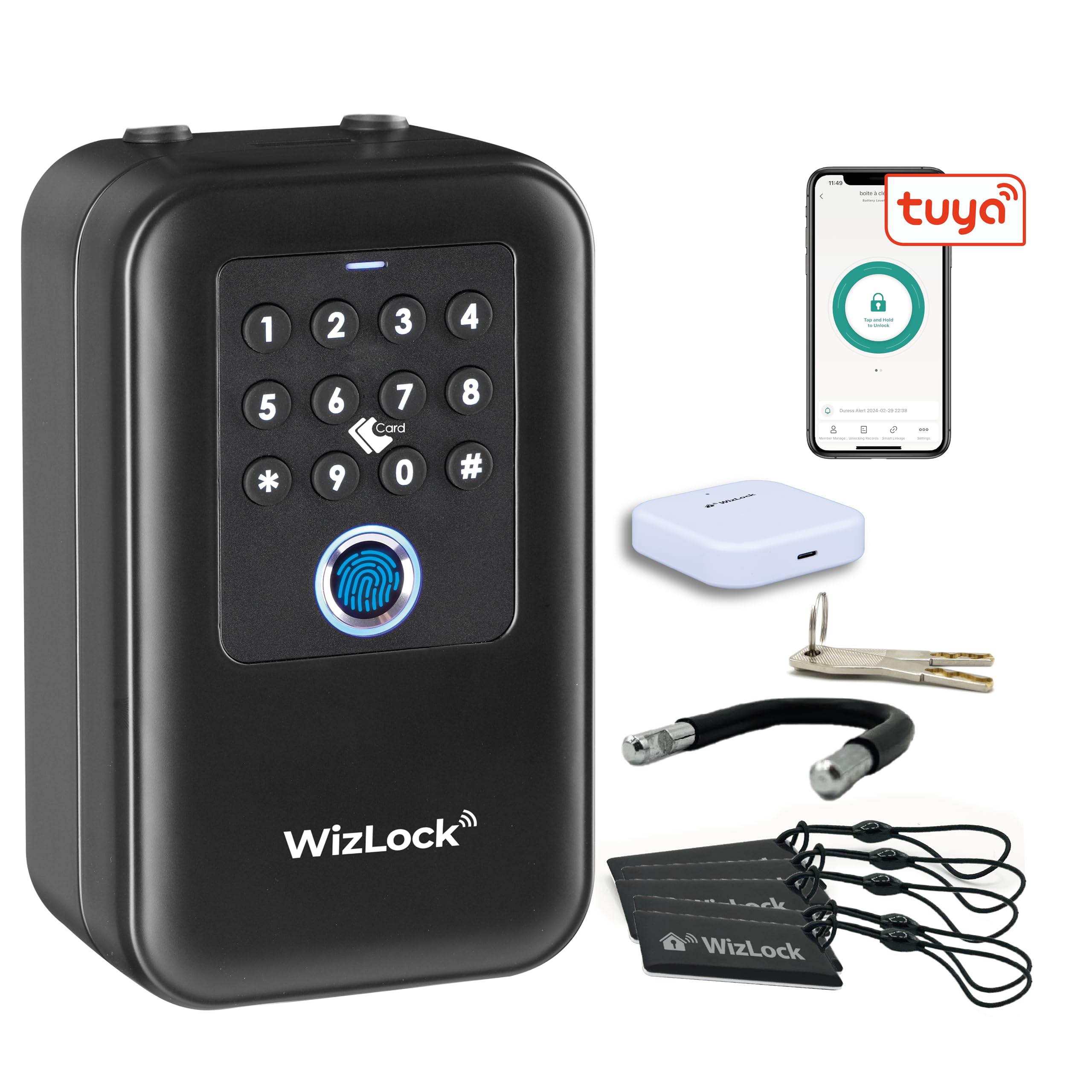
Reference SKTSK007-E-T · Tuya version · Bluetooth · Wi-Fi gateway · fingerprint, RFID badge, passcode, app and key
This model works with the Tuya Smart and Smart Life apps only. It is not compatible with the TTLock app.
Complete manual: installation, Smart Life app pairing, gateway, passcodes, badges, fingerprints, remote access, maintenance.
Or the complete manual, all 7 languages in one file (PDF, 162 pages, 5.9 MB).
Compatible with WizElek badges F08 (ref. ATFMD01) and MIFARE Classic® NXP (ref. ATMMD01). Registration: Smart Life app → member management → add card → hold the badge against the reader.