
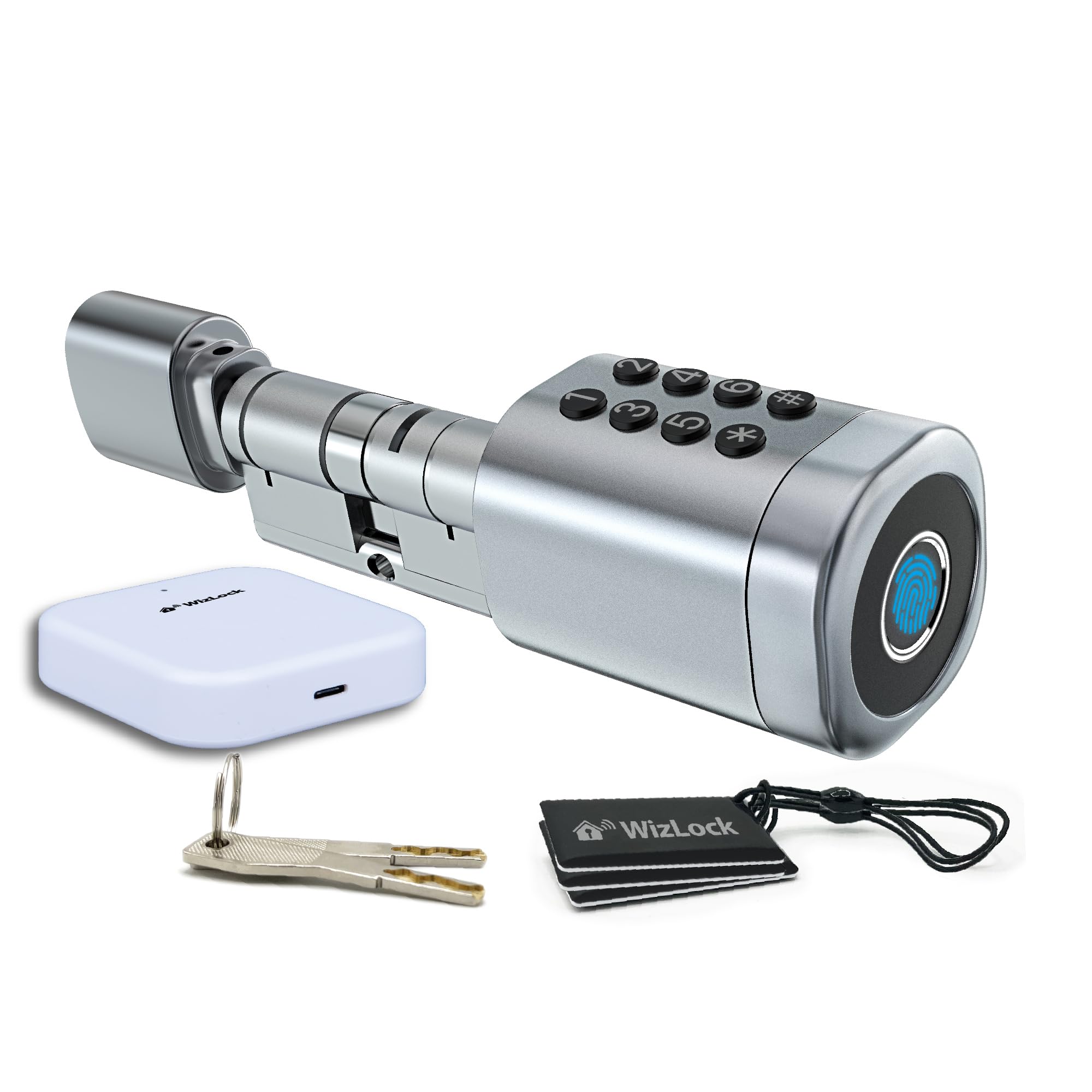
Reference SLTLW001-GW · Tuya Smart / Smart Life app · fingerprint, code, RFID badge, app and override key · Wi-Fi gateway included
Complete manual: compatibility check (outside / inside lengths), installation, batteries, Tuya Smart pairing, codes, fingerprints, badges, temporary codes, gateway and remote access, troubleshooting.
The printed quick start guide (PDF, 6 languages, 24 pages) is also available.
The cylinder replaces a removable Euro profile cylinder (EN 1303). Remove your current cylinder and measure it from the centre of the fixing-screw hole to each end: A outside (keypad side) and B inside (knob side). Each side adjusts independently to 35, 40 or 45 mm — A and B may differ.
| A outside | 35 | 40 | 45 |
|---|---|---|---|
| B inside | 35 | 40 | 45 |
| Total | 70 to 90 mm, any combination | ||
Power: 2 × CR123A 3 V lithium batteries (not included). Default code 123456# until the cylinder is paired. Keep an override key accessible from outside — never leave both keys inside.
Install the Tuya Smart or Smart Life app. Insert the 2 CR123A batteries, press any key to wake the keypad, then add the cylinder from the app (Bluetooth on, within 2 m). Add the gateway first if you want remote access (2.4 GHz Wi-Fi only), then attach the cylinder to it (“Add Existing”).
13.56 MHz reader. Compatible with WizElek badges F08 (ref. ATFMD01) and MIFARE Classic® NXP (ref. ATMMD01). Registration: Tuya Smart app → Member Management → Card → Add → hold the badge against the end face of the cylinder.